My Journey
Joining Ping Browser as the sole UI/UX Designer was both challenging and rewarding. Designed for Indian enterprises, Ping offers IT admins secure, controlled browsing with a seamless experience.
I collaborated closely with the product manager, developers, and analyst—using daily feedback loops to keep designs user-focused and technically sound.
My Journey
Joining Ping Browser as the sole UI/UX Designer was both challenging and rewarding. Designed for Indian enterprises, Ping offers IT admins secure, controlled browsing with a seamless experience.
I collaborated closely with the product manager, developers, and analyst—using daily feedback loops to keep designs user-focused and technically sound.
01
01
AI Rephraser
AI Rephraser
Let’s face it—rephrasing messages is a hassle, especially when it involves copying text into tools like Grammarly or ChatGPT. So, we built a seamless, secure, and enterprise-ready solution right into Ping Browser.
Let’s face it—rephrasing messages is a hassle, especially when it involves copying text into tools like Grammarly or ChatGPT. So, we built a seamless, secure, and enterprise-ready solution right into Ping Browser.
Try it out yourself
Try it out yourself
The Research
The Research
The Research
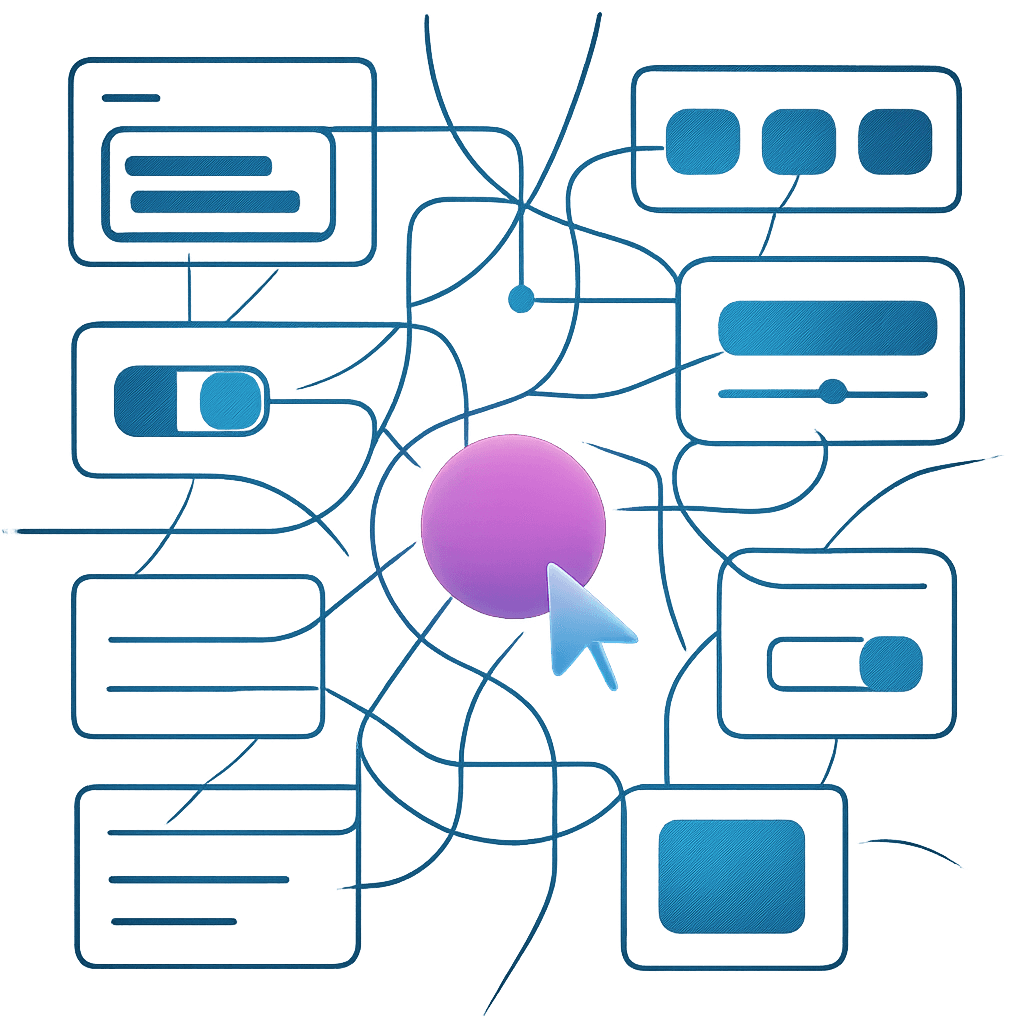
I started by mapping how users currently rephrase text. Most relied on third-party extensions or AI chatbots, often running into a paradox of choice-too many tone options, too much decision fatigue. After brainstorming with the product manager and business analyst, we decided to keep it simple: one button, one outcome-a formal, confident tone, perfect for business communication.
I started by mapping how users currently rephrase text. Most relied on third-party extensions or AI chatbots, often running into a paradox of choice-too many tone options, too much decision fatigue. After brainstorming with the product manager and business analyst, we decided to keep it simple: one button, one outcome-a formal, confident tone, perfect for business communication.

The design
The design
The design
The biggest challenge? Button placement. We iterated through several versions before landing on a bottom-right corner placement within input boxes. The button only appears when the input is selected, keeping the UI clean. We also made sure the color scheme (a lively gradient of pink and cyan) worked across both light and dark modes.
The biggest challenge? Button placement. We iterated through several versions before landing on a bottom-right corner placement within input boxes. The button only appears when the input is selected, keeping the UI clean. We also made sure the color scheme (a lively gradient of pink and cyan) worked across both light and dark modes.
User feedback
User feedback
User feedback
Early testers loved the simplicity, and the “undo” and “rephrase again” options gave users just enough control without overwhelming them. By removing unnecessary customization, we made the feature both powerful and easy to use.
Early testers loved the simplicity, and the “undo” and “rephrase again” options gave users just enough control without overwhelming them. By removing unnecessary customization, we made the feature both powerful and easy to use.

02
02
Digital Signature
Digital Signature
Enterprises care deeply about document authenticity. We wanted Ping Browser to handle digital signatures natively, so users wouldn’t have to trust third-party tools.
Enterprises care deeply about document authenticity. We wanted Ping Browser to handle digital signatures natively, so users wouldn’t have to trust third-party tools.
Try it out yourself
Try it out yourself
Link to prototype
Link to prototype
The Research
The Research
The Research
I looked at industry leaders like Adobe Acrobat for inspiration but tailored the flow for enterprise needs. Our unique twist? Signing required an external drive containing the user’s credentials, ensuring signatures couldn’t be easily forged.
I looked at industry leaders like Adobe Acrobat for inspiration but tailored the flow for enterprise needs. Our unique twist? Signing required an external drive containing the user’s credentials, ensuring signatures couldn’t be easily forged.
The design
The design
The design
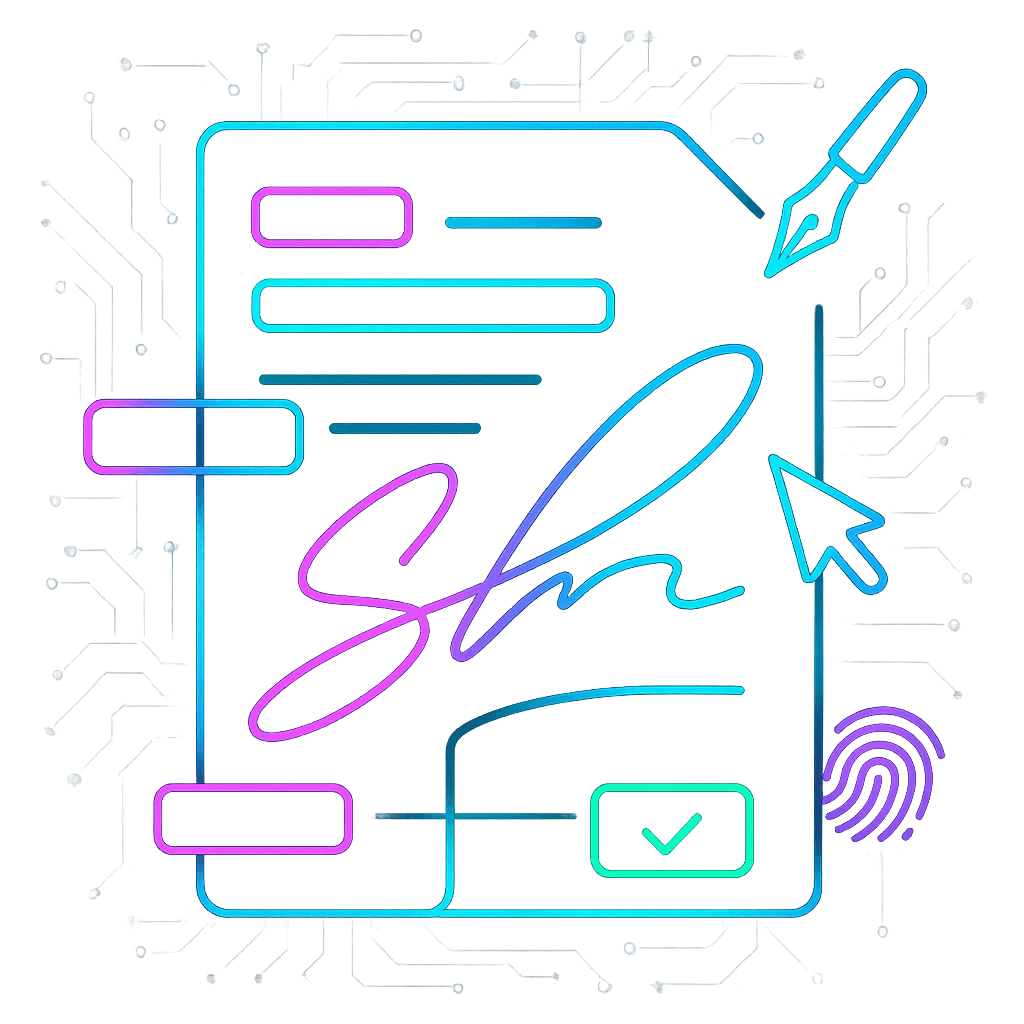
The signing process is straightforward: plug in your drive, open a PDF, right-click to “sign digitally,” and either upload a handwritten signature or use a digital one. The browser auto-detects the drive, previews the signature, and lets users drag and drop it onto the document. Verification is just as easy-one click, and Ping checks for authenticity.
The signing process is straightforward: plug in your drive, open a PDF, right-click to “sign digitally,” and either upload a handwritten signature or use a digital one. The browser auto-detects the drive, previews the signature, and lets users drag and drop it onto the document. Verification is just as easy-one click, and Ping checks for authenticity.
Outcomes & feedbacks
Outcomes & feedbacks
Outcomes & feedbacks
Yes, the external drive can be a pain if misplaced, but the security benefits were worth it. Stakeholder feedback was positive, and the flow was intuitive enough that even first-time users didn’t get stuck.
Yes, the external drive can be a pain if misplaced, but the security benefits were worth it. Stakeholder feedback was positive, and the flow was intuitive enough that even first-time users didn’t get stuck.
03
03
Widget Drawer
Widget Drawer
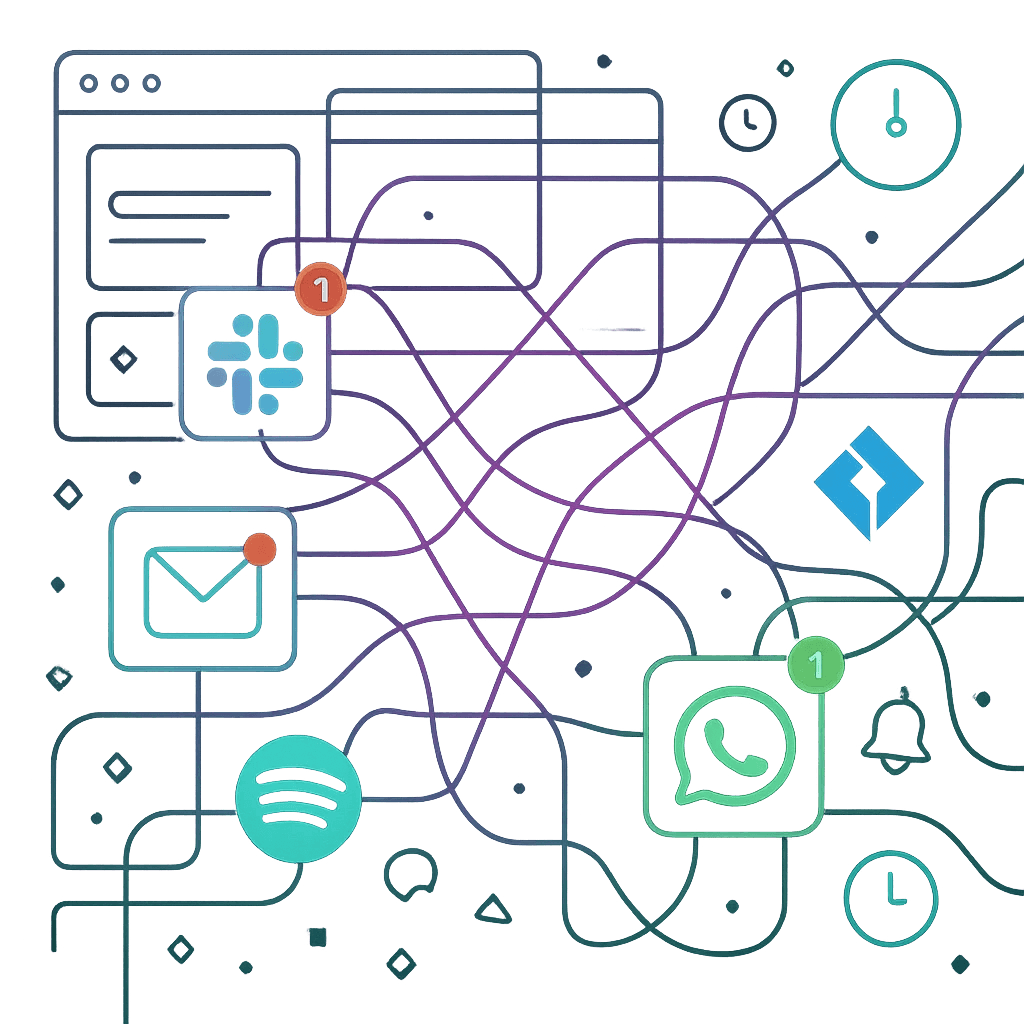
We all know the pain of starting the workday by opening a dozen tabs just to check notifications. The widget drawer was my answer to this daily grind.
We all know the pain of starting the workday by opening a dozen tabs just to check notifications. The widget drawer was my answer to this daily grind.
We all know the pain of starting the workday by opening a dozen tabs just to check notifications. The widget drawer was my answer to this daily grind.
The Research
The Research
The Research
I studied how employees start their day-checking Jira, Slack, Gmail, Gmeet, and more. Most browsers offer sidebars or quick-access panels, but none really brought all notifications together in one place.

The design
The design
The design
My first design borrowed from Vivaldi’s left panel, but users had to open widgets one at a time, which was clunky. After testing and feedback, I pivoted to a “drawer” approach: a single button on the browser’s top nav opens a translucent canvas with all your widgets-Gmail, Slack, Spotify, WhatsApp, you name it. Widgets can be pinned, moved, or closed as needed.
Outcome
Outcome
Outcome
This feature made it dramatically easier for users to plan their day and handle quick actions without tab overload. The feedback was overwhelmingly positive-especially from users who loved having Spotify at their fingertips!

And there was no end to it...

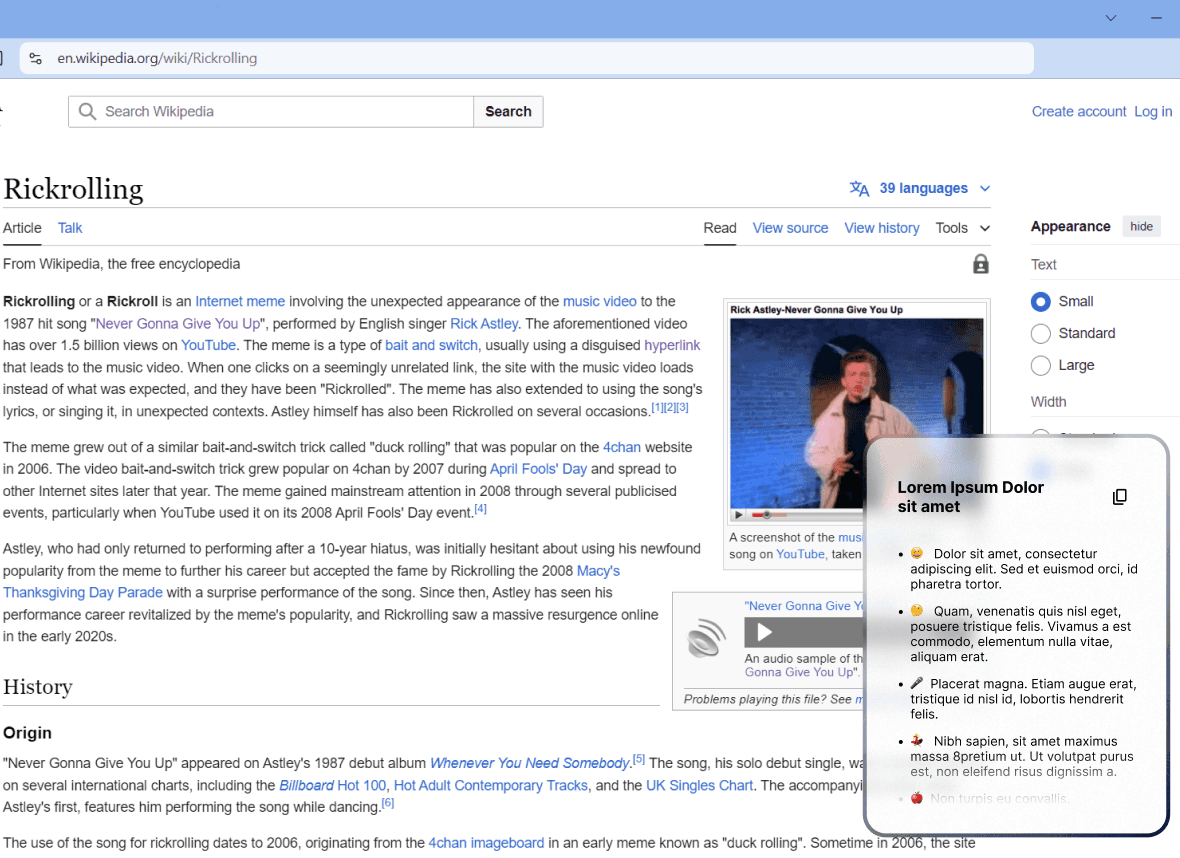
AI summarizer
Summarize lengthy paragraphs into concise bullet points with a single click using the built-in AI summarizer tool.

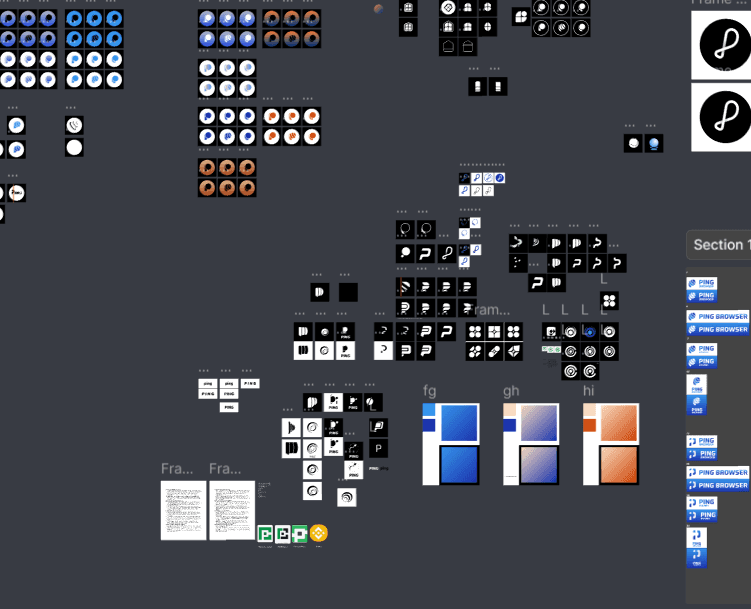
Rebranding- Logo design
Worked on rebranding the existing state of the browser to make it market ready.

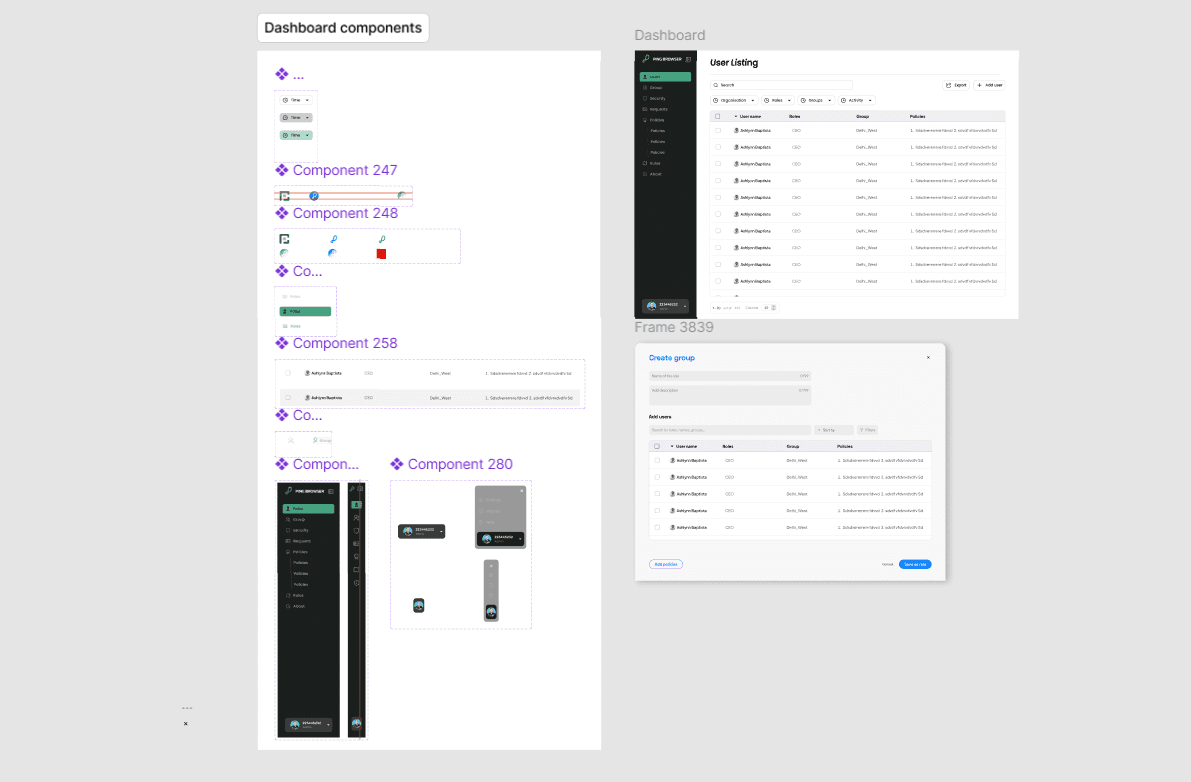
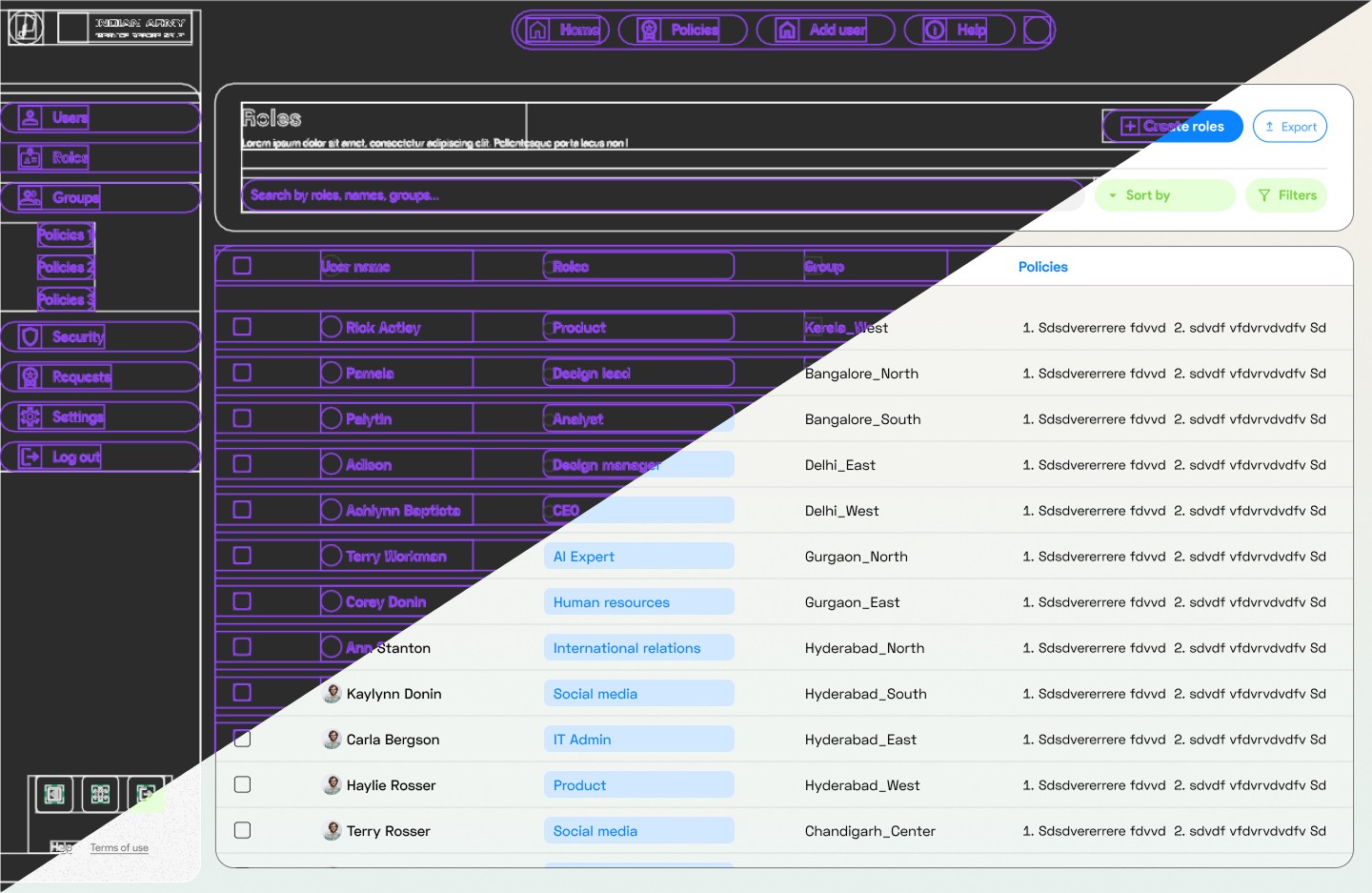
IT Admin control
Collaborated in designing a comprehensive system for IT admins to regulate policies and enroll organization users from all hierarchy.

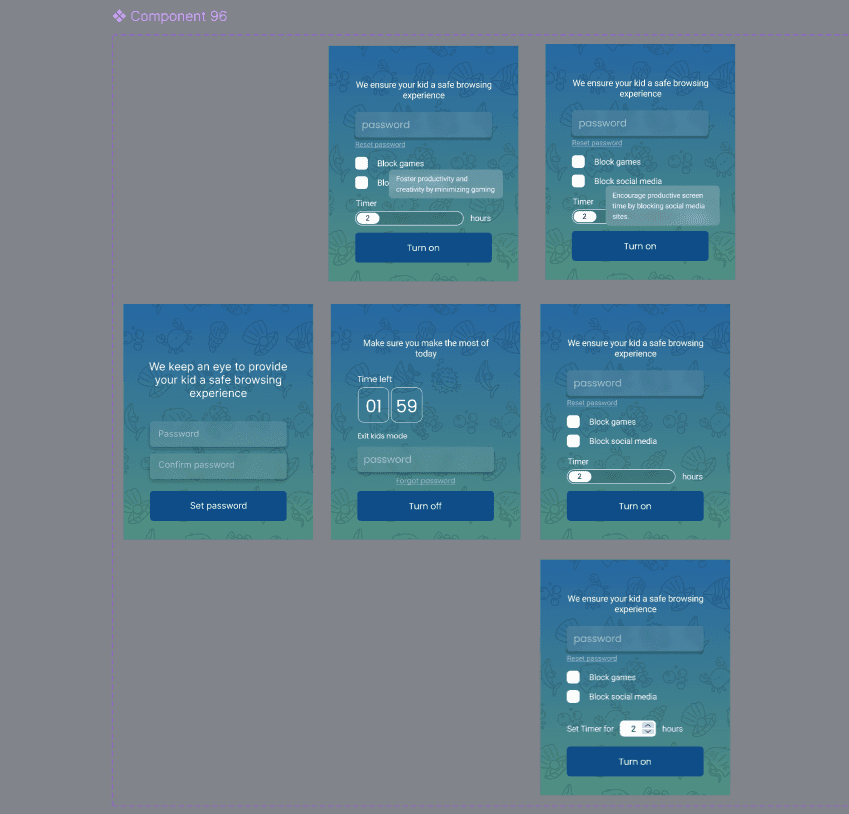
Parental Control
Designed an in-built extension for providing children a safe browsing experience while protecting them from over-usage of internet.
AI summarizer
Summarize lengthy paragraphs into concise bullet points with a single click using the built-in AI summarizer tool.
Rebranding- Logo design
Worked on rebranding the existing state of the browser to make it market ready.
Parental Control
Designed an in-built extension for providing children a safe browsing experience while protecting them from over-usage of internet.
IT Admin control
Collaborated in designing a comprehensive system for IT admins to regulate policies and enroll organization users from all hierarchy.
AI summarizer
Summarize lengthy paragraphs into concise bullet points with a single click using the built-in AI summarizer tool.
AI summarizer
Summarize lengthy paragraphs into concise bullet points with a single click using the built-in AI summarizer tool.
Rebranding- Logo design
Worked on rebranding the existing state of the browser to make it market ready.
IT Admin control
Collaborated in designing a comprehensive system for IT admins to regulate policies and enroll organization users from all hierarchy.
Parental Control
Designed an in-built extension for providing children a safe browsing experience while protecting them from over-usage of internet.
AI summarizer
Summarize lengthy paragraphs into concise bullet points with a single click using the built-in AI summarizer tool.
Rebranding- Logo design
Worked on rebranding the existing state of the browser to make it market ready.
Parental Control
Designed an in-built extension for providing children a safe browsing experience while protecting them from over-usage of internet.
IT Admin control
Collaborated in designing a comprehensive system for IT admins to regulate policies and enroll organization users from all hierarchy.
AI summarizer
Summarize lengthy paragraphs into concise bullet points with a single click using the built-in AI summarizer tool.
AI summarizer
Summarize lengthy paragraphs into concise bullet points with a single click using the built-in AI summarizer tool.
Rebranding- Logo design
Worked on rebranding the existing state of the browser to make it market ready.
IT Admin control
Collaborated in designing a comprehensive system for IT admins to regulate policies and enroll organization users from all hierarchy.
Parental Control
Designed an in-built extension for providing children a safe browsing experience while protecting them from over-usage of internet.
AI summarizer
Summarize lengthy paragraphs into concise bullet points with a single click using the built-in AI summarizer tool.
Rebranding- Logo design
Worked on rebranding the existing state of the browser to make it market ready.
Parental Control
Designed an in-built extension for providing children a safe browsing experience while protecting them from over-usage of internet.
IT Admin control
Collaborated in designing a comprehensive system for IT admins to regulate policies and enroll organization users from all hierarchy.
AI summarizer
Summarize lengthy paragraphs into concise bullet points with a single click using the built-in AI summarizer tool.
My Research Process
My research starts with the market—what’s out there, what works, and what’s missing. I build user personas from feedback, AI insights, and informed hypotheses. Every feature is weighed with pros and cons, then validated through daily syncs with the product manager and developers. Our business analyst kept me sharp with competitor insights and market trends.
The Impact: 1st Runner Up at IWBDC
The Impact: 1st Runner Up at IWBDC
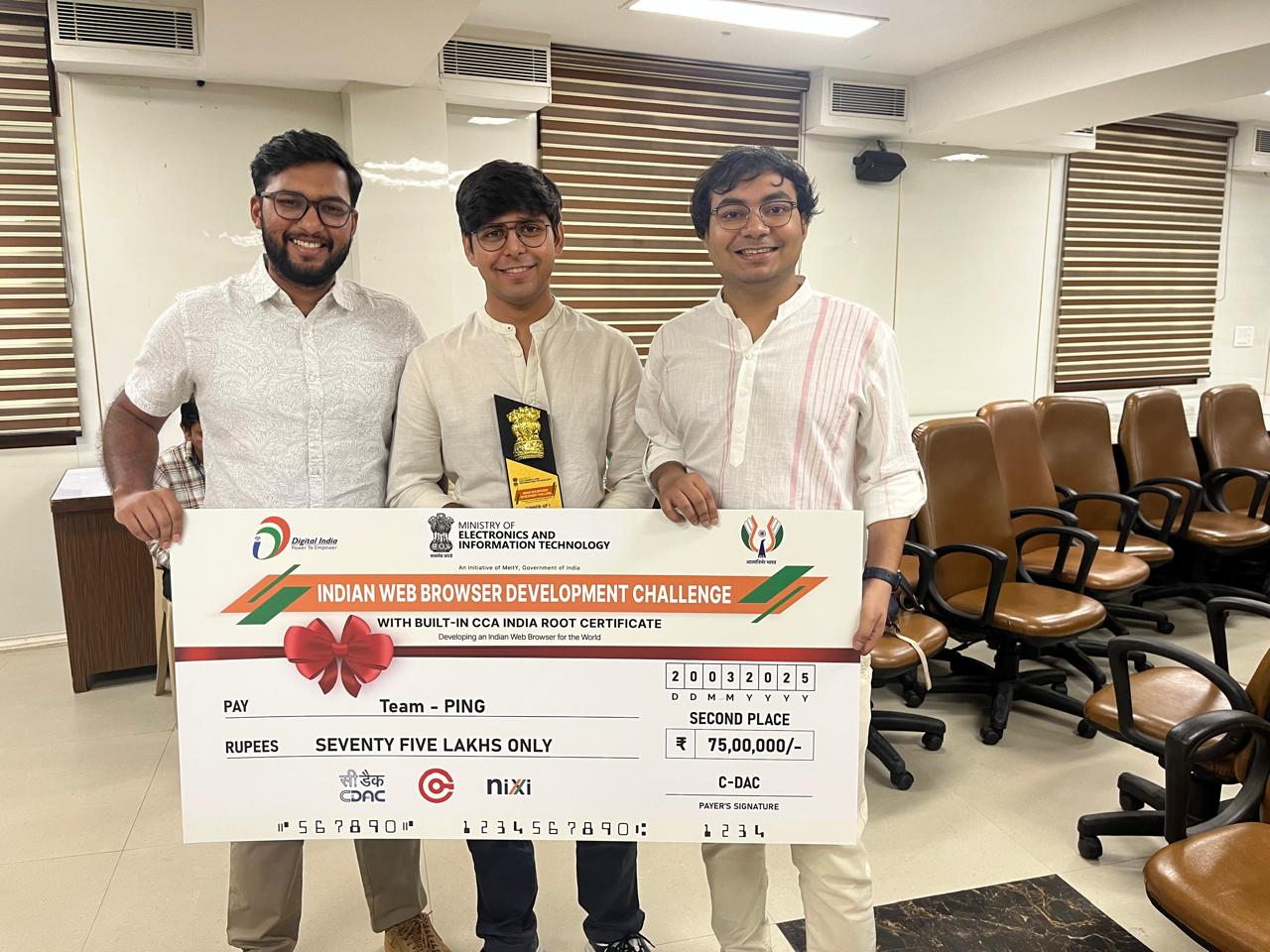
All the hard work paid off—Ping Browser was awarded 1st Runner-Up at the Indian Web Browser Development Challenge by MeitY, surpassing giants like ZOHO and JIO, and earning a ₹75 Lakh prize. As the sole designer, I created all the brand assets that helped us stand out. The win led to a contract with the Indian Army to build an indigenous browser—a project I’m currently designing (details remain confidential). Recognition from industry leaders and personal appreciation from my CEO made it clear: design was at the heart of our success.
All the hard work paid off—Ping Browser was awarded 1st Runner-Up at the Indian Web Browser Development Challenge by MeitY, surpassing giants like ZOHO and JIO, and earning a ₹75 Lakh prize. As the sole designer, I created all the brand assets that helped us stand out. The win led to a contract with the Indian Army to build an indigenous browser—a project I’m currently designing (details remain confidential). Recognition from industry leaders and personal appreciation from my CEO made it clear: design was at the heart of our success.